PHO704: Live brief pitch and 1:1 feedback session

During this module I teamed up with some of my fellow cohort, Phil, Stuart, Thomas and Annie, to take up one of the live brief challenges. We chose to work on the Oxfam environmental brief: 

You don’t need to travel to tell a story about climate change, it’s more important your story travels. What stories are on your street? How can you represent these stories through photography? How can you transform this from a local to global storytelling campaign?

You could:

  • Document how people on your street are affected by climate change
  • Use portraiture & interviews to capture people’s perceptions of climate change
  • Show how people on your street are taking action on climate change
  • Find an individual with an interesting story relating to climate change or their campaigning work & document their story

After a couple of brain storming sessions we all agreed on a topic to tackle, the hidden carbon cost of the selfie/social media. We set roles for the group, time line and meeting dates, my role was to research the topic in detail and produce a project proposal. Stuart researched off setting, Phil lead the group and design work, Annie photography and Thomas researched Apps and put the presentation together. The team worked well together as we had a clear aim and set goals within our roles.  

The pitch itself went really well, with Thomas presenting and each of us answering questions as they arose. Ellie and Alyssa from Oxfam where suitably impressed with our idea as we had come at it from a totally different angle. They agreed to take our idea to other Oxfam departments so its just a waiting game now. Fingers crossed! 

1:1 feedback session  

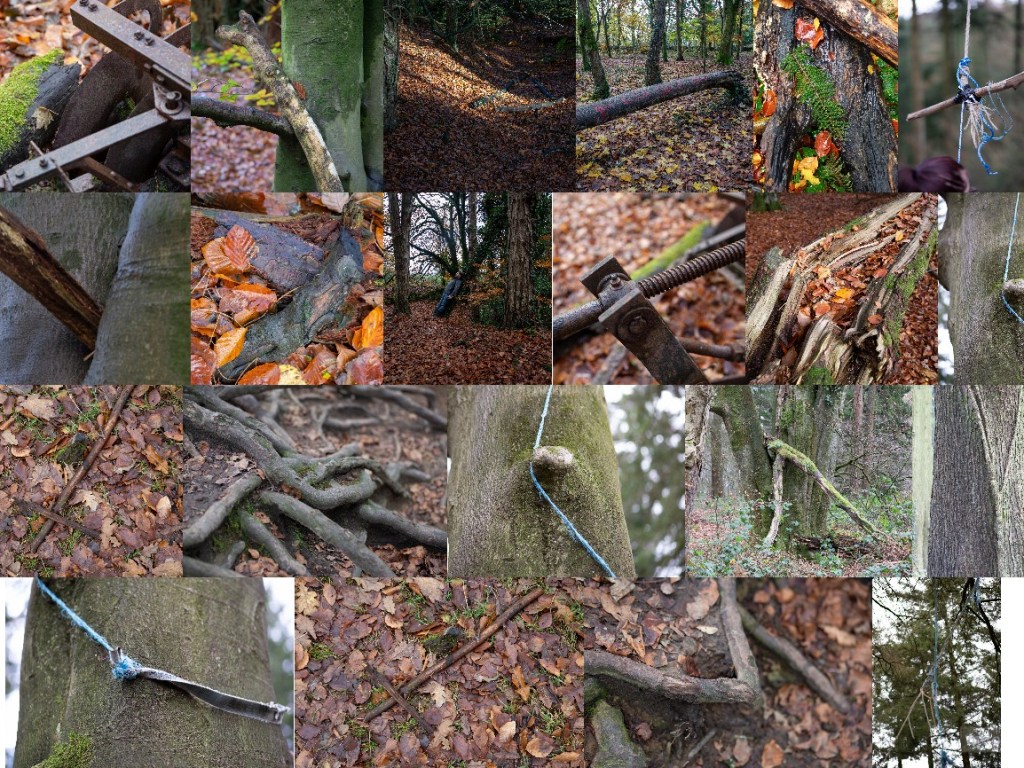
After reviewing my current work in progress at a recent webinar, my tutor, Cemre suggest I look to group my images in to themes as a way of editing. I reviewed the work I had done over the past two months and begun the process of selecting and grouping my images. Using lightroom classic I then created contact sheets. 

During my 1:1 with Cemre we then looked through these groupings we soon started to see images standing out as stronger images in their own right and images that worked better in a group or diptych. It was suggested to look at the virtual white board app Miro as a tool for grouping and selecting images. After a quick trial of the app I can see some interesting diptychs and triptychs appearing. 
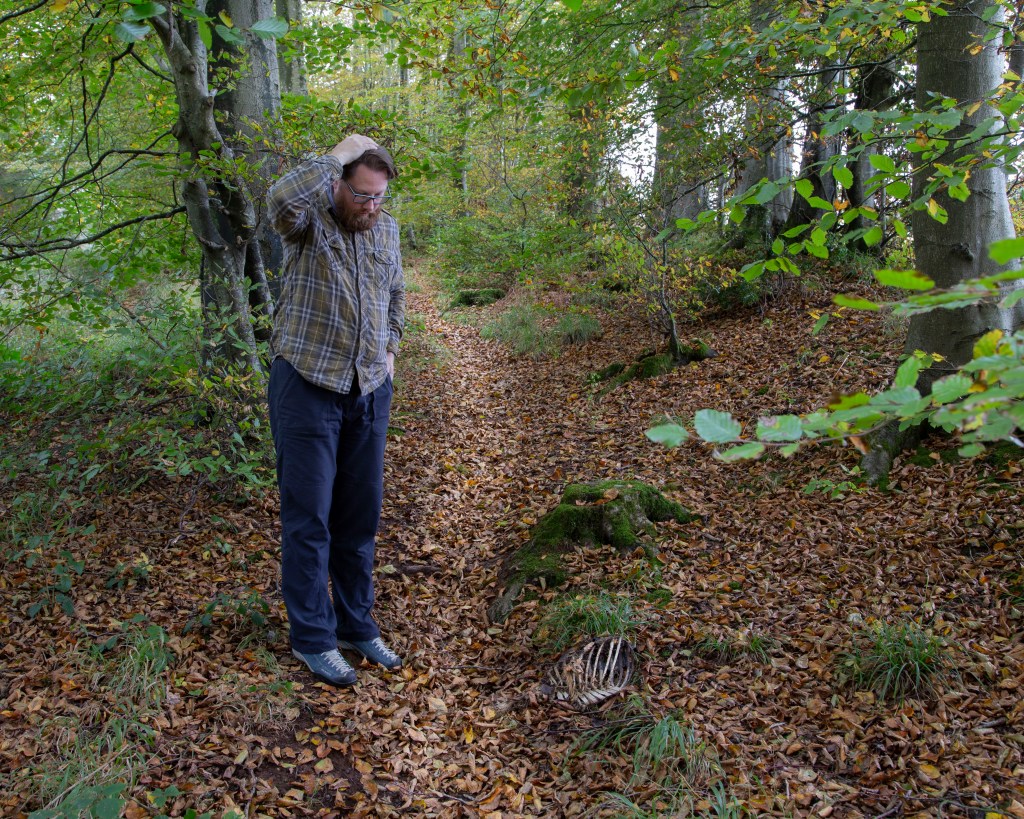
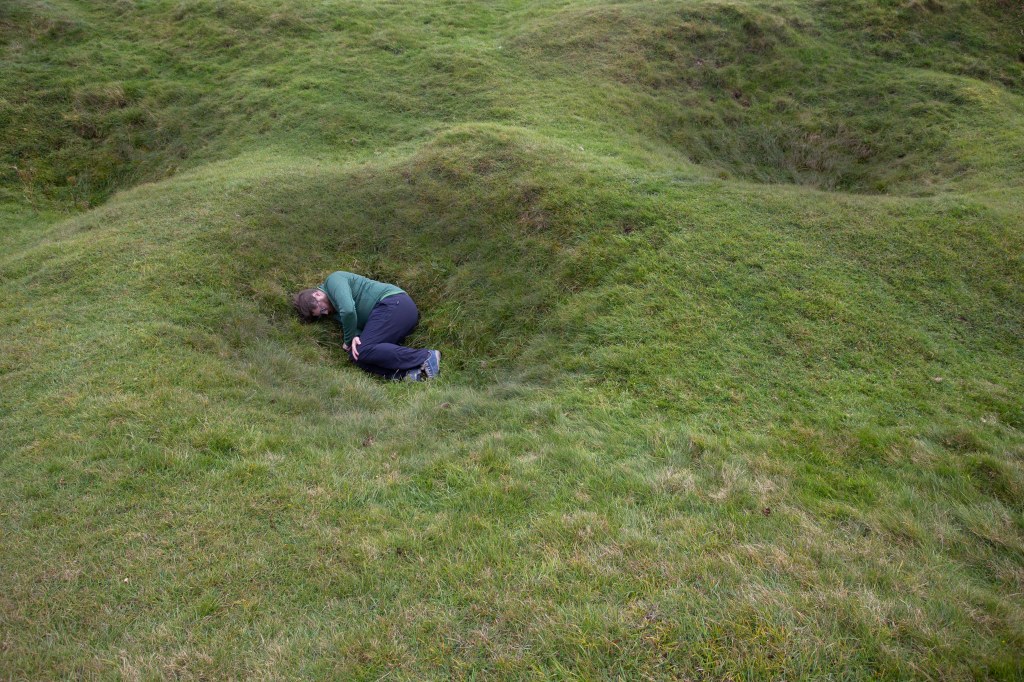
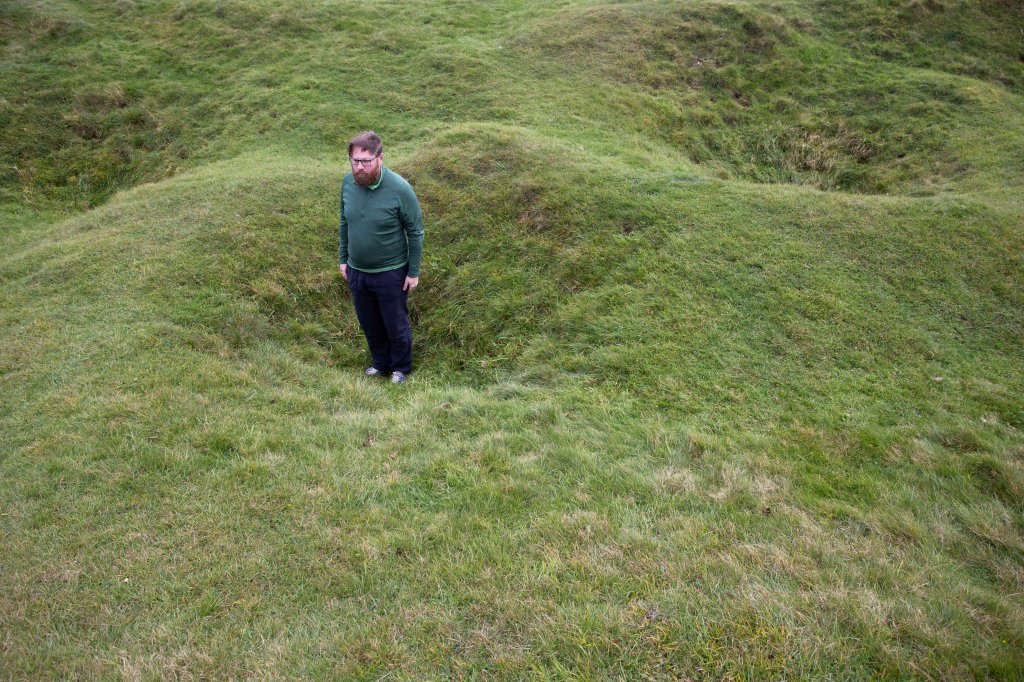
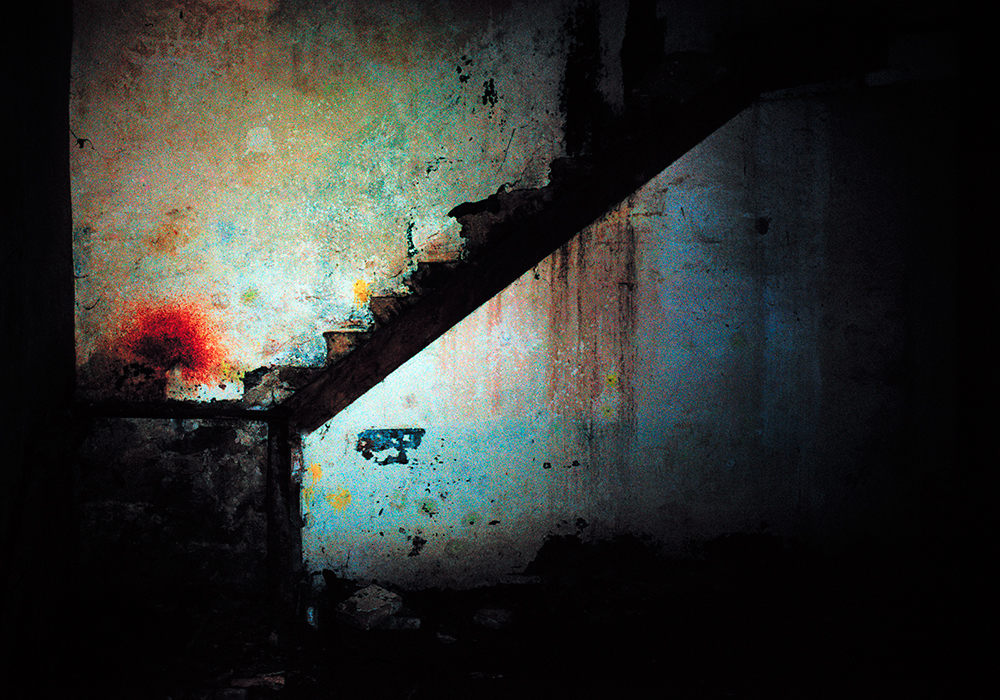
Angles, Tim Beale 2020

PHO704: Week 8 Reflection

This week in both the live webinar with Brian Griffin and source material reading the question of are there any great photographers being produced today? 

For Griffin ‘there are perhaps only one or two great photographers produced in each country for each generation. The rest are crap! What commissions there are just are boring and with modern technology pretty much anyone can go out there and shoot what’s being asked ’ a very frank statement but is it true? Perhaps there is something to it, in Sean O’Hagan’s article for the Guardian1 he questions the future of photography in the advent of technological advances: 

‘For all that, no amount of technology will turn a mediocre photographer into a great one. Nor, in conceptual terms, will it transform a bad idea into a good one. For that you would still need to possess a rare set of creative gifts that are still to do with seeing, with deep looking.’ 

This statement rings true as a result of beginning this masters and working on my project I have looked deeper into the ‘why’ of what I doing. Questioning my every decision about location, set up, lighting and motive of why I’m doing what I’m doing. Griffin in his lecture also goes onto say ‘photographers don’t take their time anymore, they simply look through the screen and click. Portrait shoots are over in minutes, and look boring, there’s no creativity’2 I agree with this statement and have often taught this when running workshops. I have set challenges with beginner photographers to limit the number of shots they take in a day to 24, simulating the number of available shots per role of film.  

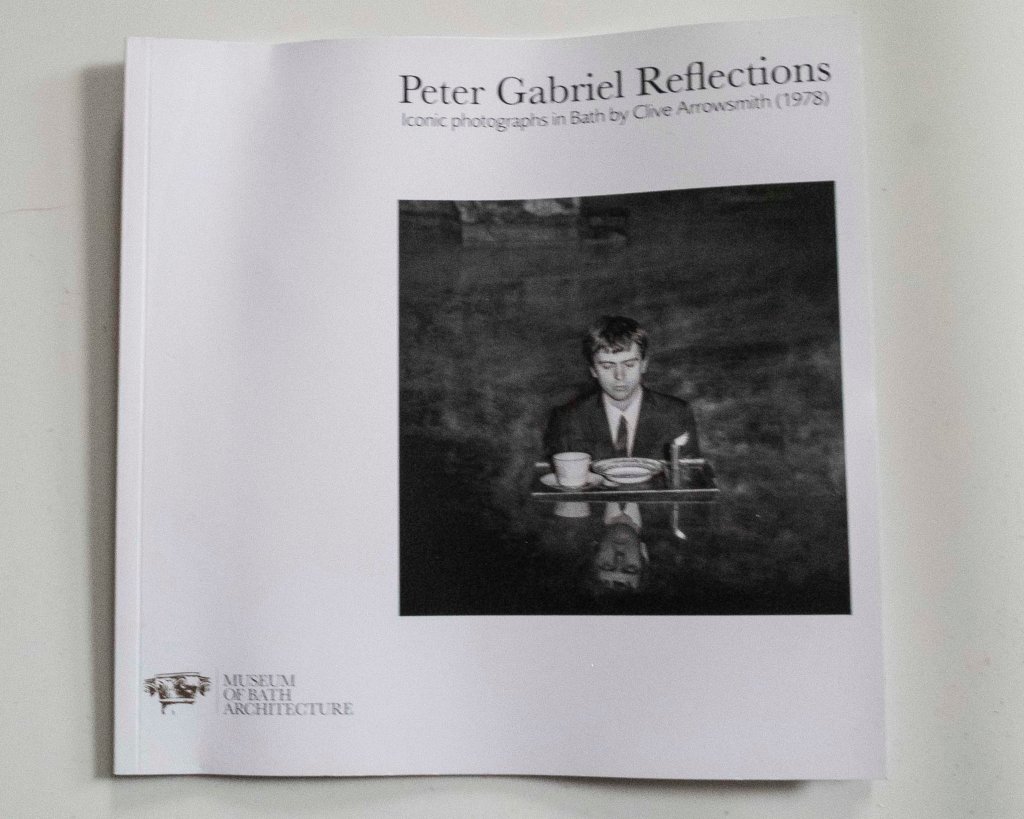
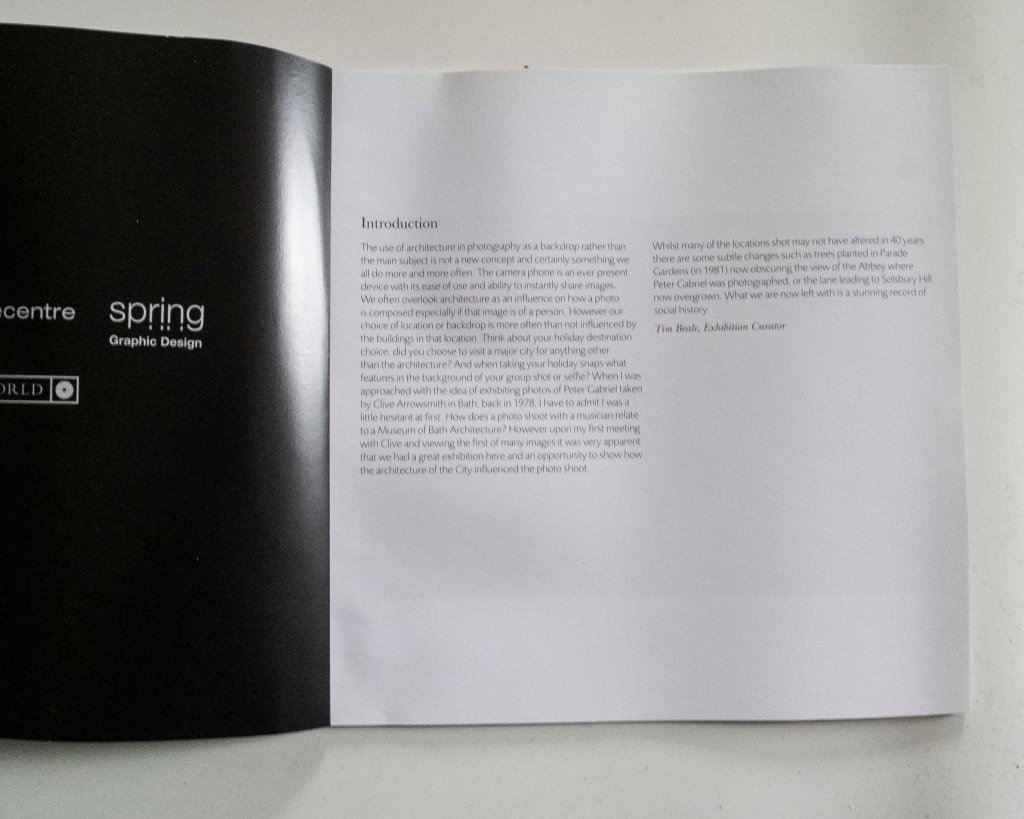
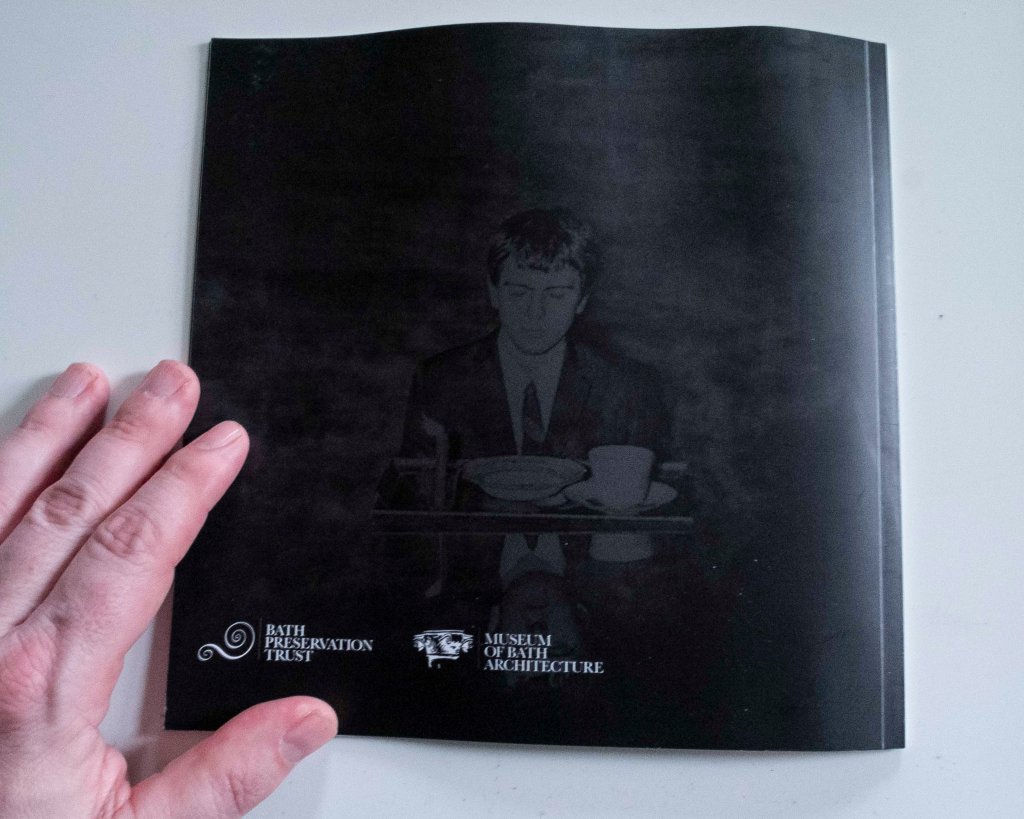
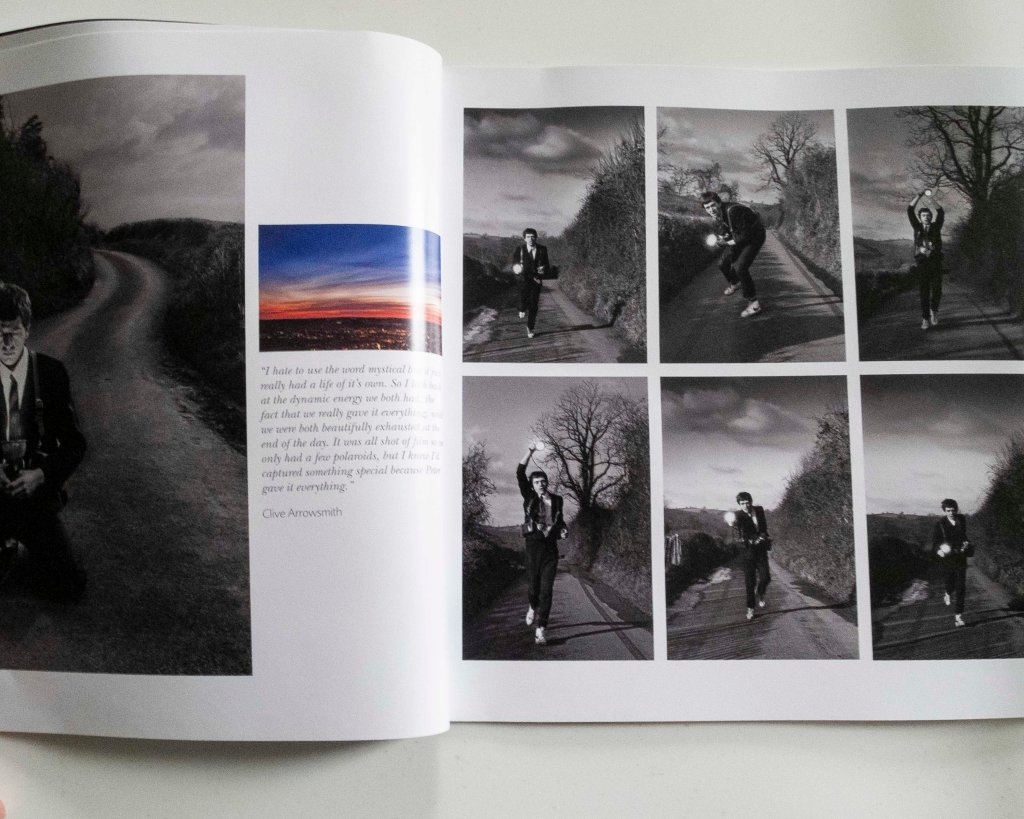
Also this week after reading ‘Beyond the exhibition: from catalogue to photobook’ I found to be in agreement with the notion that catalogues, pamphlets and guides are significant records of an exhibition and without this record the exhibition is at risk of disappearing . I produced a guide book for the ‘Peter Gabriel Reflections: Photography of Clive Arrowsmith’3 it was intended as a) a source of secondary income b) souvenir of the exhibition for visitor c) a way of people experiencing the exhibition that could not attend and d) a record of the exhibition for our archives. One the the failings of the guide and a reason I cannot call it a true catalogue is the lack of an inventory of images, this exists in an exhibition folder separately.  

I found this week’s forum, looking at our peer’s websites and those they like, very useful, informative and inspiring. I clearly need to up my game with both my CRJ blog and practice website. Some google analytics pointers I pick up from feed back were: 

  • Include links to other photographers work increases google presence 
  • Create content that holds the viewers attention. The longer they stay on your site is an area google looks at 

I also found it useful to look at other established photographers websites and glean inspiration from these. Some websites I like are visually dynamic but wouldn’t suit my style whilst others would, being much more simplistic with a natural flow.  

References:

1 O’Hagan. S (2012), Guardian Newspapers Limited. Photography: A Guardian Masterclass: The world’s most expensive photograph …is of a scene that doesn’t exist. 

2 Griffin. B (2020) Falmouth University live webinar.

3 Keane, T. (2019) Hyperallergic: British Rock Meets Modernism. [Online] Available from: https://hyperallergic.com/480967/peter-gabriel-reflections-the-museum-of-bath-architecture-clive-arrowsmith/ [Accessed 08/11/2020]

PHO704: Week 7 Peer to Peer webinar

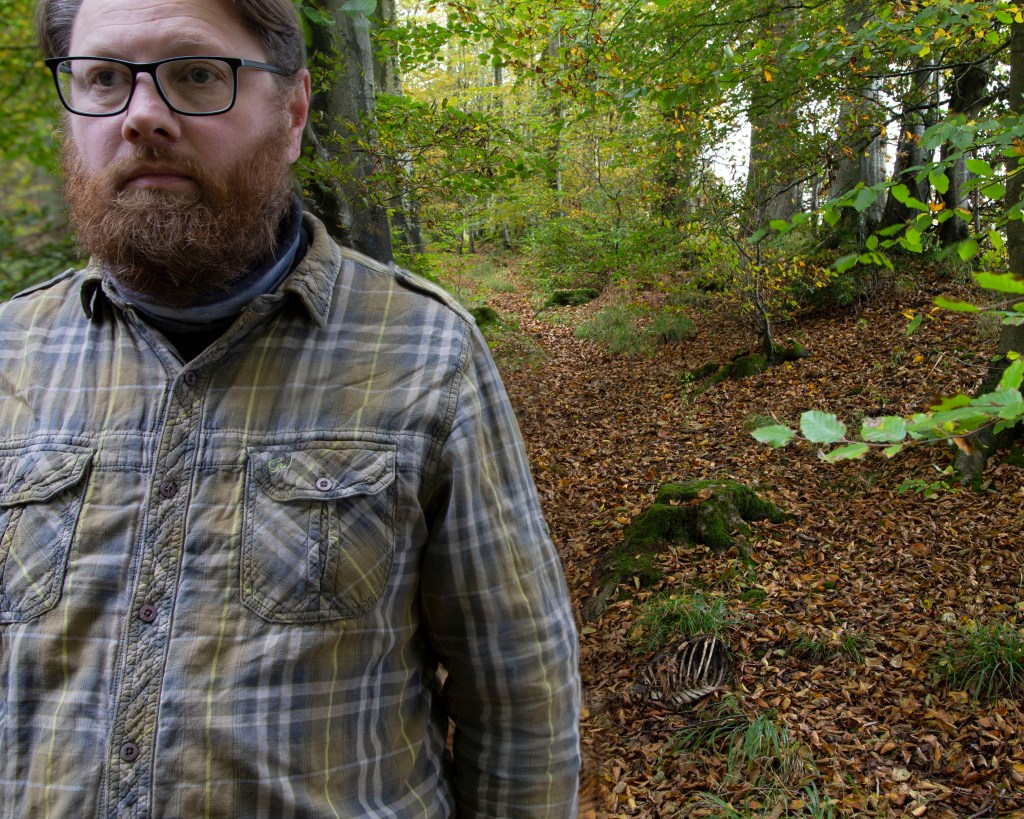
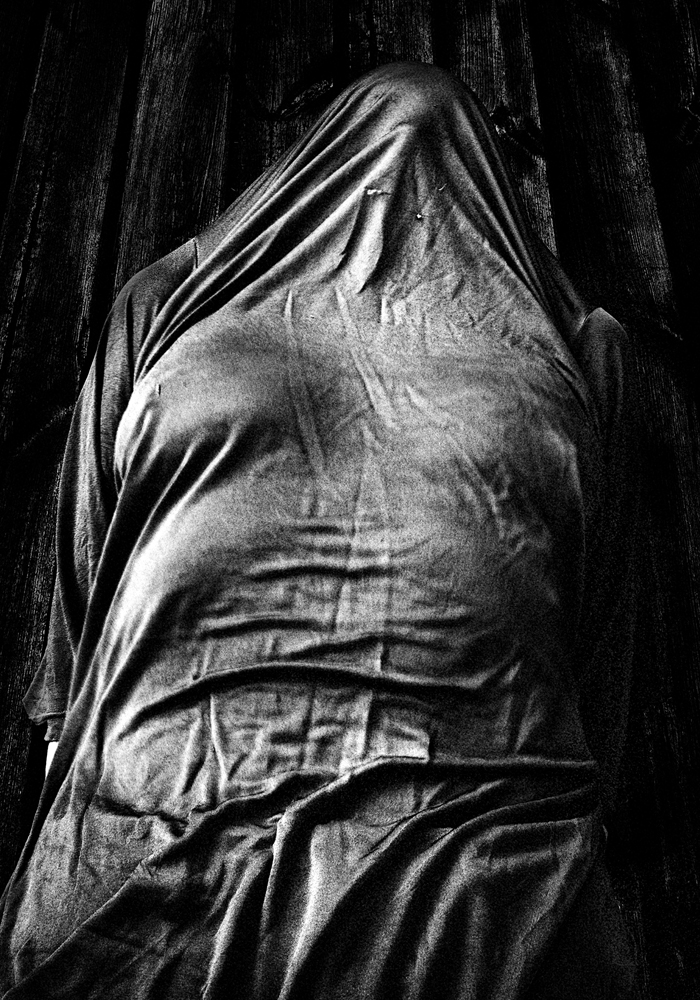
The Space between: I come from a broken home, Tim Beale 2020

It was great to meet my fellow cohorts Steven and Hannah this week, learn about their projects and to share where I am with my work. I was able to offer some positive feedback, information and advice, that I hope my peers found useful.

Hannah’s project aligns itself quite closely with what I’m look, where we are both using nature as a metaphor or platform in which to illustrate the context of our projects. Hannah has been looking at therapeutic properties of nature and photography as a means of therapy. She pointed me towards the work of Rosy Martin who is an advocate of photo therapy (previously called Camera Therapy by Jo Spence)1.

“Starting in 1983, working with the late Jo Spence, I evolved and developed a new photographic practice- phototherapy – based upon re-enactment. Through embodiment, I explore the psychic and social construction of identities within the drama of the everyday. My work makes explicit the multiplicity of identities that an individual inhabits, using the ‘self’ as a text to be deconstructed, reviewed, challenged and reconsidered. This work bridges private and public discourses, theory and practice. Themes which I have explored in exhibitions and articles include:- gender, sexuality, ageing, class, desire, memory, location, urbanism, shame, family dynamics, power/powerlessness, health and disease, bereavement, grief, loss and reparation. The work has been exhibited widely, Nationally and Internationally, since 1985.” 2

Much of Martin’s work involves the everyday object as the subject and the act of photographing these objects is as much about the act itself than process of creation of a memory. This can be seen in her ‘too close to home’ series. The rendering of her objects has an almost surreal quality, more so than a pure documentary.

References

1 Dennett. T (2008), Taylor & Francis, [online] ‘Jo Spence’s camera therapy: personal therapeutic photography as a response to adversity’ https://www.tandfonline.com/doi/abs/10.1080/13642530902723041 [Accessed 11.11.2020]

2 Martin. R (1999) ‘Too Close to Home?’ Essay [Online] http://www.rosymartin.co.uk/too_close.html [Accessed 11.1.2020]

PHO704: Week 5 1:1 tutorial

Following a very constructive 1:1 with my course tutor I have had time to reflect upon our discussions around my project and look at next steps forward.

  • Looking at close up / details of the objects that make up a particular space
  • What are the finer details that make that space special, what am I drawn to when visiting it?
  • Do all images need to have a figure in order to tell the same story
  • Further research into the bond between the human psyche and the natural environment

The key discussion was a round how my project has become the Space between birth and death (from womb to tomb), is a psychogeographical journey through life exploring the environment that shapes our life. From the biophilic desire to seek out nature as healer to the genetically imprinted need for a safety. We associate places with memories and often key events in our lives are linked to a specific place. This entry for my CRJ has taken a long time to right as during the past few weeks I have been coming to terms with loosing my father, who died suddenly on the day he was due to come home from hospital. Since my fathers passing a few weeks ago I have been reassessing my connection with life and how this impacts on my project. There are so many key moments in my life that are connected with a place. When thinking back to an experience so much of that is the where. I want to convey this in my project. For me nature is my salvation, where I escape to, where I feel safe away from everyone else. Into natures welcoming embrace.

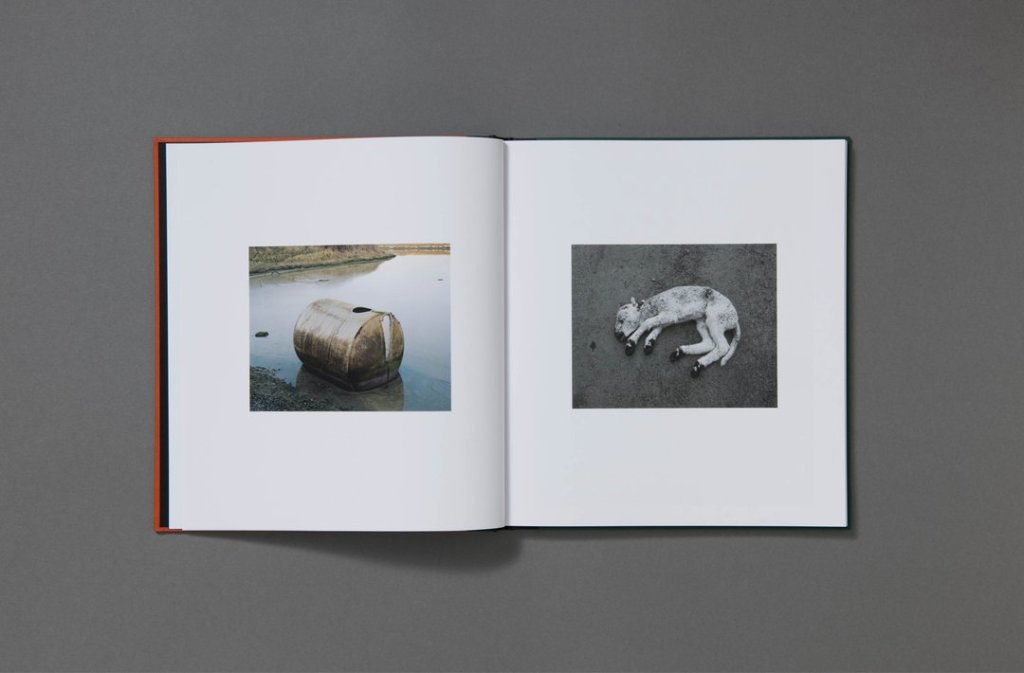
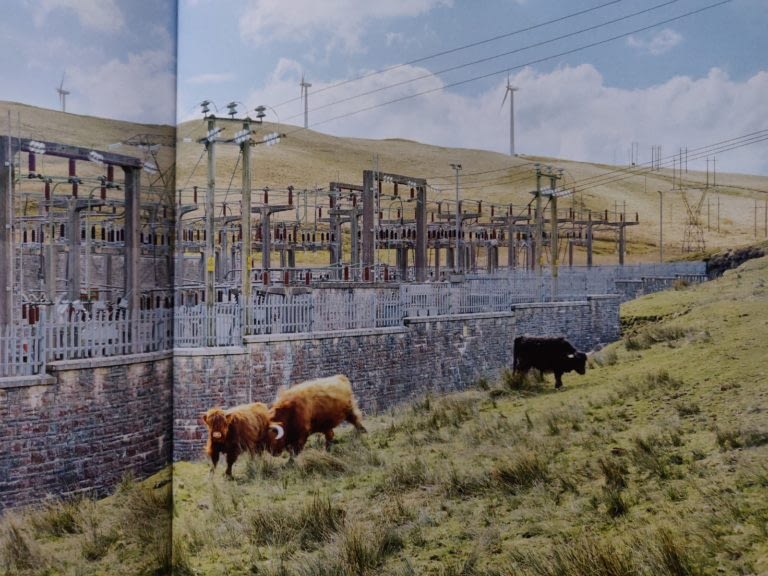
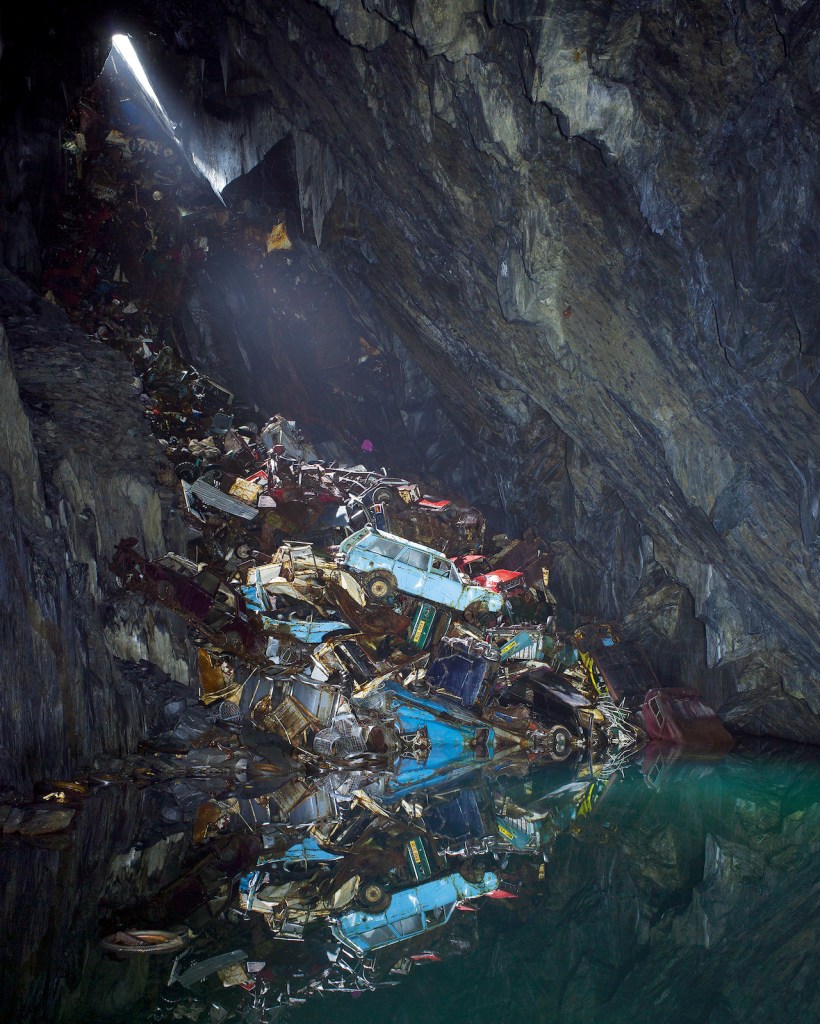
After my tutor’s feedback two pieces of work that I have started look at are Robin Friend’s ‘Bastard Countryside’ and Sam Taylor-Wood’s ‘Still Life’, both very different practices to look at but hold a certain resonance for me. Friend’s book ‘Bastard Countryside’ is a collection of images taken over a fifteen year period and influenced on what Victor Hugo called the ‘bastard countryside’: “somewhat ugly but bizarre, made up of two different natures”. With many images having the appearance of a classical landscape these are off set by the depiction of dilapidated or stark industrial architecture, these images are then paired with detailed shots of industrial waste, obscure debris and the discarded. Overall this appears a bleak representation of the British landscape, however is all the more refreshing for it. Having grown up in the Midlands, an industrial landscape scattered with the lost a forgotten structures of a long gone industry. I enjoy the use of images of the details that are to be found within these landscapes, almost evidence of lives lived.

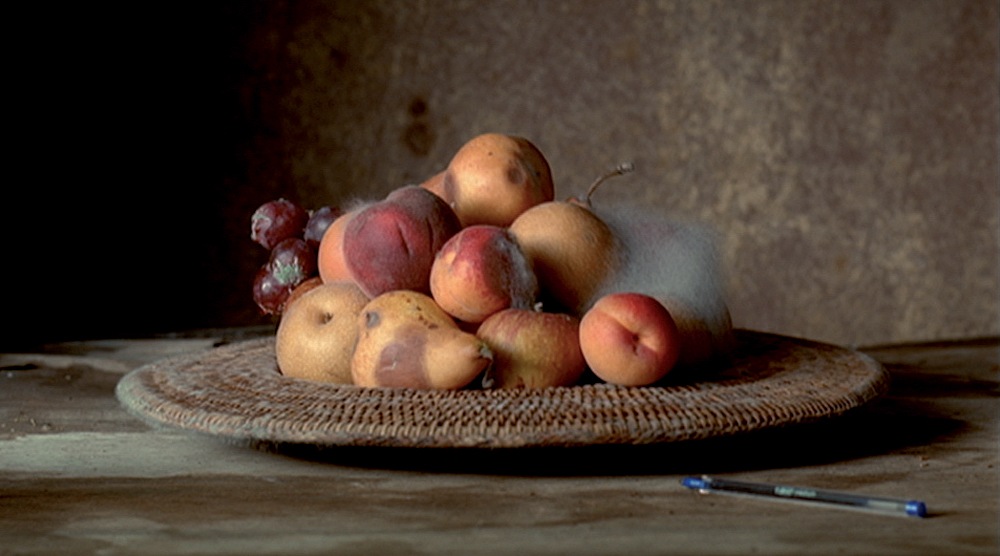
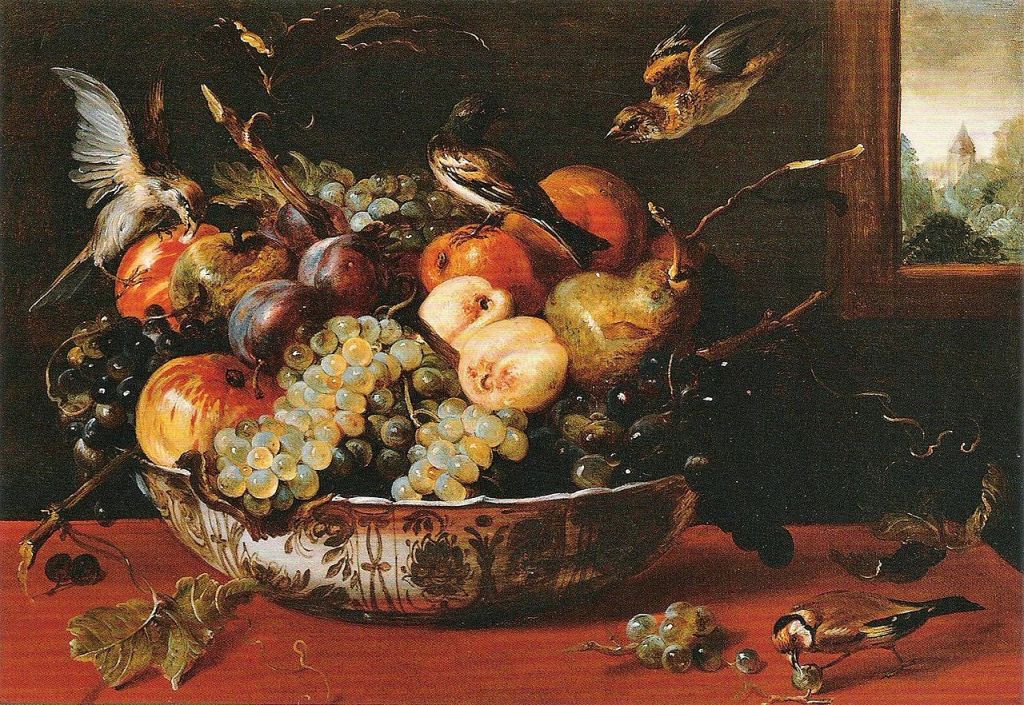
Sam Taylor-Wood’s video-graphical ‘Still Life’ holds a different level of fascination, where Friend looks to capture something of the lost or past, Taylor-Wood looks to depict the transition of time. The use of stop motion photography show’s the decay of fruit, perhaps five weeks or so, over the space of around 4 minutes. The lighting and scene are reminiscent to the early Flemish still life’s of the 17th Century. However as the Flemish painters desire was to show the viewer the wealth and abundance of nature, whereas Taylor-Wood’s videos show us the fragility and mortality of nature. This is a really interesting concept and has peaked my interest but for me I want the viewer to take each image or collection of images and interpret each as a moment in life, rather than the passage of time.

Resources

References

1 Friend.R (2018), [Online] ‘Bastard Countryside‘ [Accessed 1.11.2020]

2 Demos. T.J (2007) [Tate Online] ‘A matter of time’, Taylor-Wood. S (2001) ‘Still Life’, Film, ttps://www.tate.org.uk/tate-etc/issue-9-spring-2007/matter-time [Accessed 1.11.2020]

3 Snyders. F (1625), ‘Still life’ [Image online] https://commons.wikimedia.org/wiki/Category:Still_life_paintings_by_Frans_Snyders [Accessed 1.11.2020]

PHO704 Week 4: Webinar feedback

I had a really useful feedback session on my research project at this week’s webinar, after presenting my latest images and areas of research we then discussed how my project had evolved over the course of the MA. Having research such photographers as Jeff Wall, Rachel Harrison and Tom Hunter, I can now see a tangible style that my practice is moving towards. The use of tableauxs in my photography has been incredibly useful in enabling me to explore my own response to the environment around me. This is not without it’s challenges and risks. Whilst choreograph, direct oneself is infiltrate easier than using a module, controlling a shot becomes that more challenging, I use a spare mobile phone tethered to my DSLR to over come this. I have however had to be ever mindful of locations and the risk of theft or injury to myself (slipping down a hill side), as much as possible I’ve tried to go out with other family members or friends.

Reviewing my images from that last few weeks has been particularly enlightening as it is clear that there has been a substantial (subconscious) shift in context, from simply looking at the space around us, towards investigating the space between Birth and Death. I feel this shift in focus is ever more poignant to me now, having suddenly, just lost my father. Much of my current work reflects this transition in thinking and feeling, tangible motifs can be seen such as that of birth. Over the next few weeks I will begin to explore other aspects of that space between Birth and Death as I look to self reflection as my own way of dealing with grief.

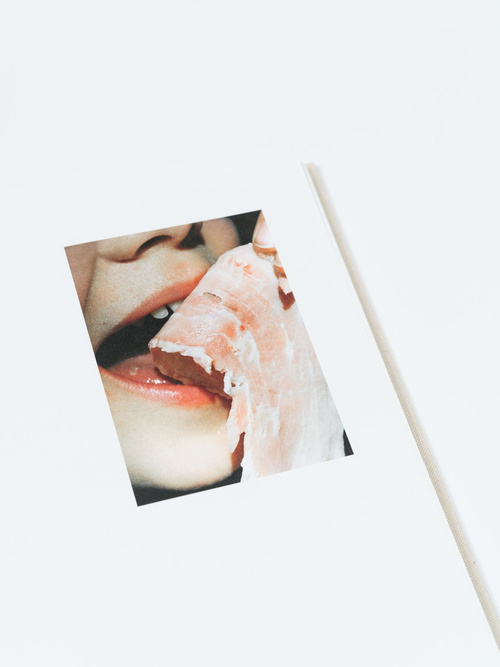
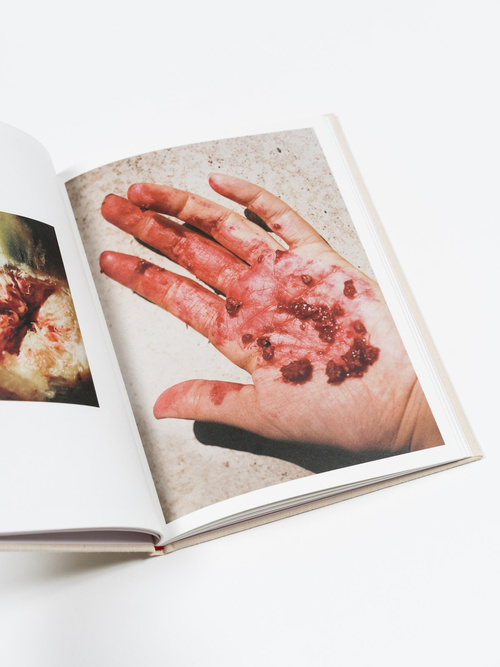
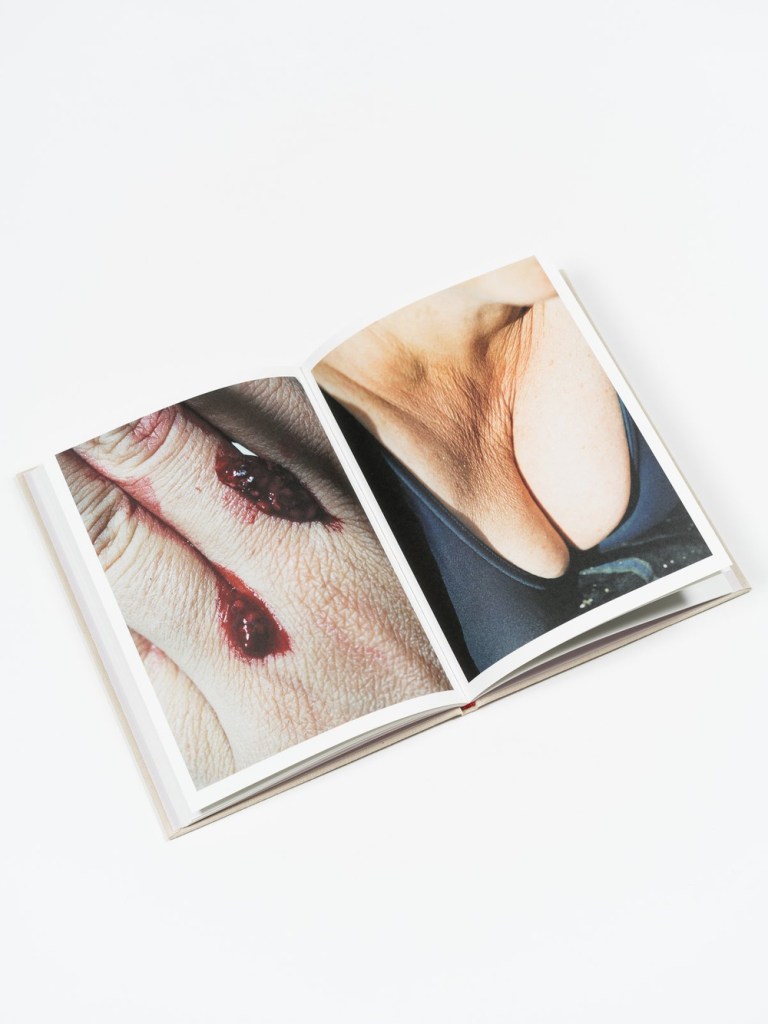
It was suggested I look to the work of Lucile Boiron’s book ‘Womb’ where she “explores and exhausts fragments of flesh, these moments when human nature appears for what it is, that is, perishable. Far from making an inventory of the feeling of revulsion, she questions the body’s biological truth, and attempts a photographic answer to the issue of good and bad taste.”1 The book is a well thought out and curated body of work with close up images often paired in such a way that makes the viewer uncomfortable, such as the use the flesh of fruit juxtaposed to images of blemished skin. Looking at more of Boiron’s work it is clear that the body itself is the focus with the environment being absent or playing a minor part in her imagery.

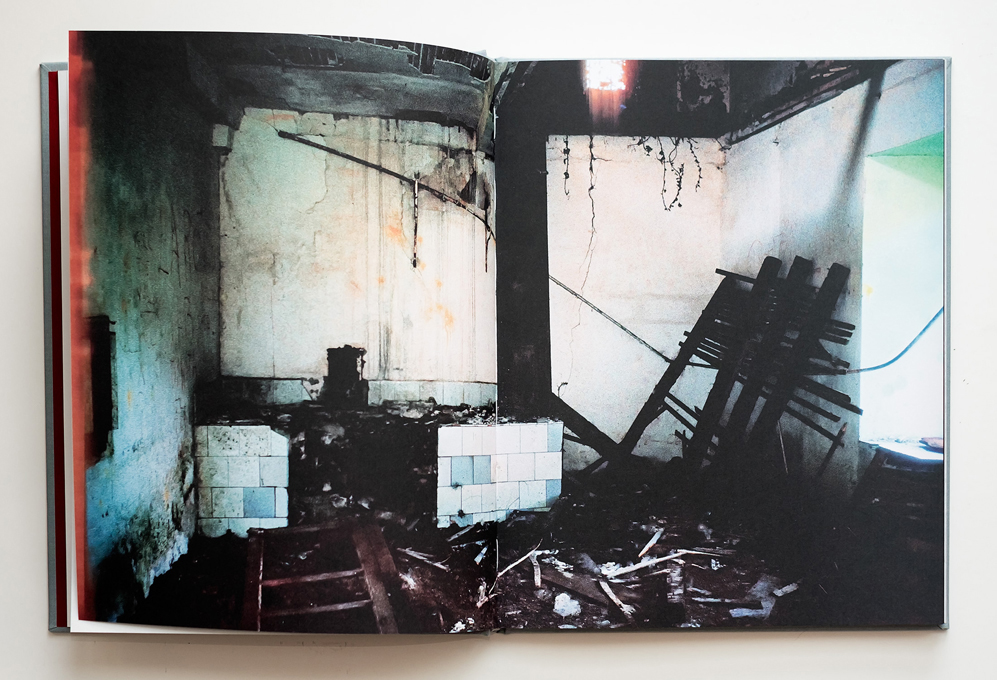
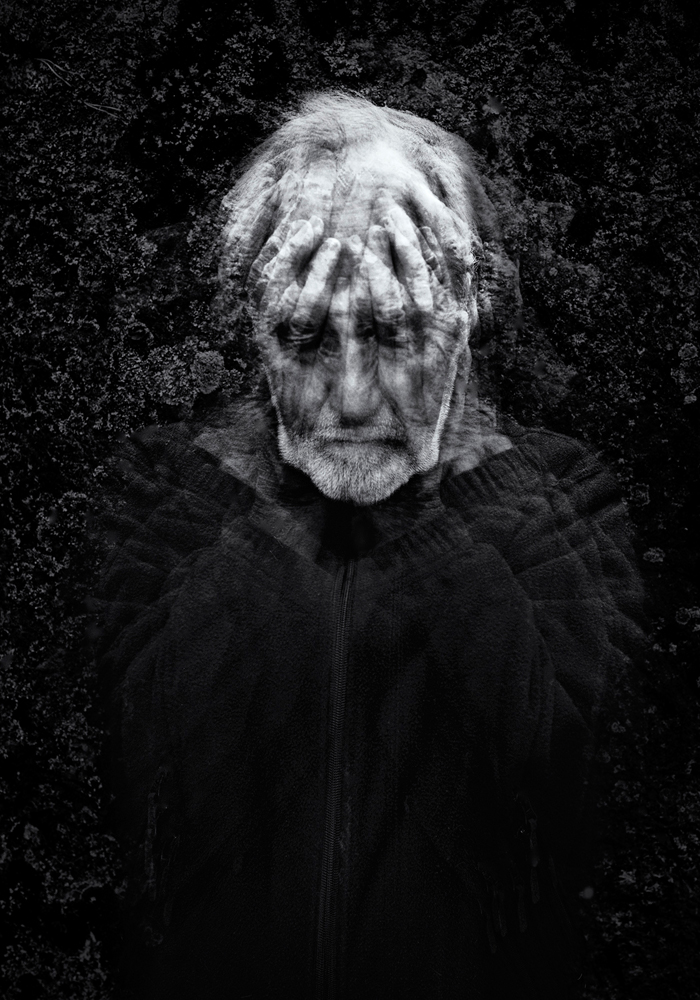
I also looked at the book ‘Endings’ by photographer Leif Sandburg, “About panic and getting old” as he describes it2. Sandburg then in his late ’60s he received the difficult news that he had cancer this led him to consider his mortality, six years later after extensive surgery and a great period of photography ‘Endings’ was produced. As opposed to Boiron’s work Sandburg uses the environment in his images to draw parables between the fragility of human existence by offering the viewer images of decaying structures and interiors, often in colour, set against stark monochrome images of figures (mainly self portraits of Sandburg). Sandburg’s use of techniques such as multiple exposer gives an ethereal, ghost like motion to the figures depicted therein.

Death becomes palpable when it approaches, and the pictures contain questions of fear and uncertainty, but simultaneously the joy of ageing together with a life partner. The pictures have grown over a five-year period. Often a photo session with an original idea inspired new pictures created in the moment and the plan had to give way for intuition and guts feeling. Possibly a way to get close to who you and exploring your inner self.” –Leif Sandberg 2017-03-013.

Of the two photographers Sandburg’s work has a certain resonance to my own current project. Whereas the brutal beauty and curation of Boiron’s book is truly inspiring, leaving me with questions about curating my own images and how they can be used to effect such strong reactions in the viewer.

Resources:

1 Boiron.L (2019), ‘Womb’ [online] https://www.libraryman.se/lucile-boiron-womb/ [Accessed 17.10.2020]

2 Sandburg. S (2017) ‘Ending’ [online] https://leifsandberg.com/ [accessed 17.10.2020]

3Smithson. A (2017) ‘Ending’ [online] http://lenscratch.com/2017/03/leif-sandburg-ending/ [accessed 17.10.2020]